


Bookings
How can I edit a booking?
To edit a booking, simply click it on the booking board. Your club must allow editing for you to be able to do this. You can tell by a green check mark on the booking as well as a different border around the booking
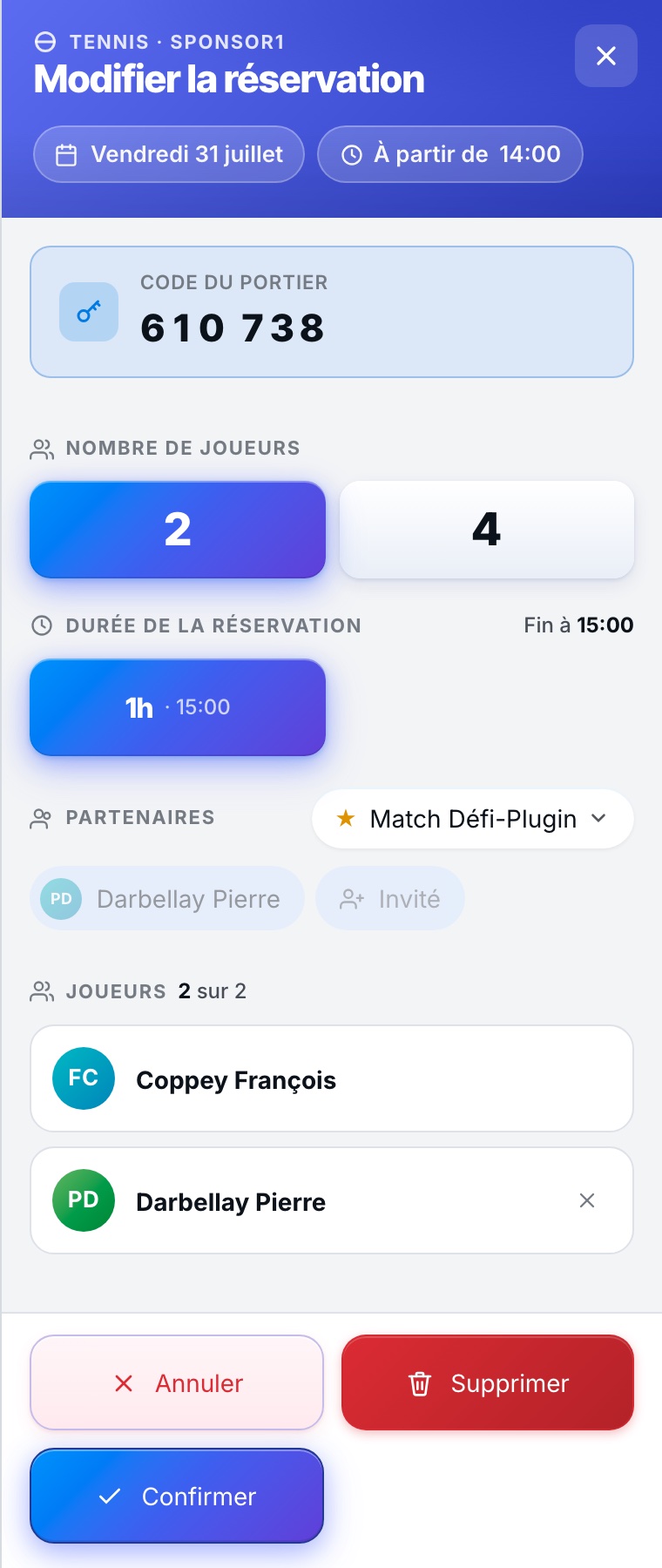
You can edit:
- The number of your partners
- The playing duration
- The name of your partners
- The payment methods
This display may differ from one club to another
You cannot change the time of your booking! To change the time, you must delete the booking and create another one.
If your booking is a paid one, when deleting it, information will appear explaining the refund terms.
Plugin.ch Tutorial — Bookings